
For parents drowning in school email
Forward school emails to one spot. AI sorts them by kid.
Georgia schools · No account needed · Browse all schools
AI shows its work
Every match comes with a confidence score and the reason it was chosen.
Trust, but verify
Low-confidence items wait in a short review list instead of landing on your calendar.
Private to your household
Your emails and roster are never sold, shared, or used to train models.
Try it with a sample email
Paste a forwarded school email below and see how Tangle Bell extracts the teacher, class, date, and next actions. No signup required.
Choose a sample or paste your own email, then click the button to see the organizer output.
The AI does all the work
You never sort, tag or retype a thing. Forward the message and every one of these happens on its own — for one kid or a whole household.
Forward it and forget it
One family address, saved to your phone once. Forward anything from school and you are done — no folders, no tags, no typing. Works for one school or many.
The AI knows your kids
Because it starts from your roster — kid, school, teacher, class — it files an email signed only "Mrs. Delgado" on the right child. Even one kid gets the same accurate match.
Dates land on the calendar
Project due Friday, away game Thursday, picture day next month — pulled out of the email and placed on your family calendar. Filter to one kid or see everyone together.
Nothing quietly falls off
Permission slips, payments and supplies stay open until you tick them off, and anything uncertain waits in a short review list instead of hiding in your inbox.
A page for every kid
School, teachers, classes, clubs and teams — plus everything due — grouped so you can answer a question in five seconds. Older kids can sign in and see only their own view. One kid? You still get one tidy page.
You hear about the silence too
When a teacher who emails weekly goes quiet for a month, Tangle Bell tells you before it becomes a problem — so you follow up instead of finding out too late.
One email in, a whole plan out
What you forward
From: Marisol Delgado <mdelgado@maplegrove.k12.oh.us>
Subject: Invention project — bring materials Friday
"Parents, our invention projects are due this Friday, Aug 29. Students should bring their materials in Thursday…"
What you get back
- Kid: Sofia
- School: Maple Grove Middle · Class: Gifted Resource
- Teacher: Mrs. Delgado
- Project Due · Friday Aug 29 · on the family calendar
Take a look at each part
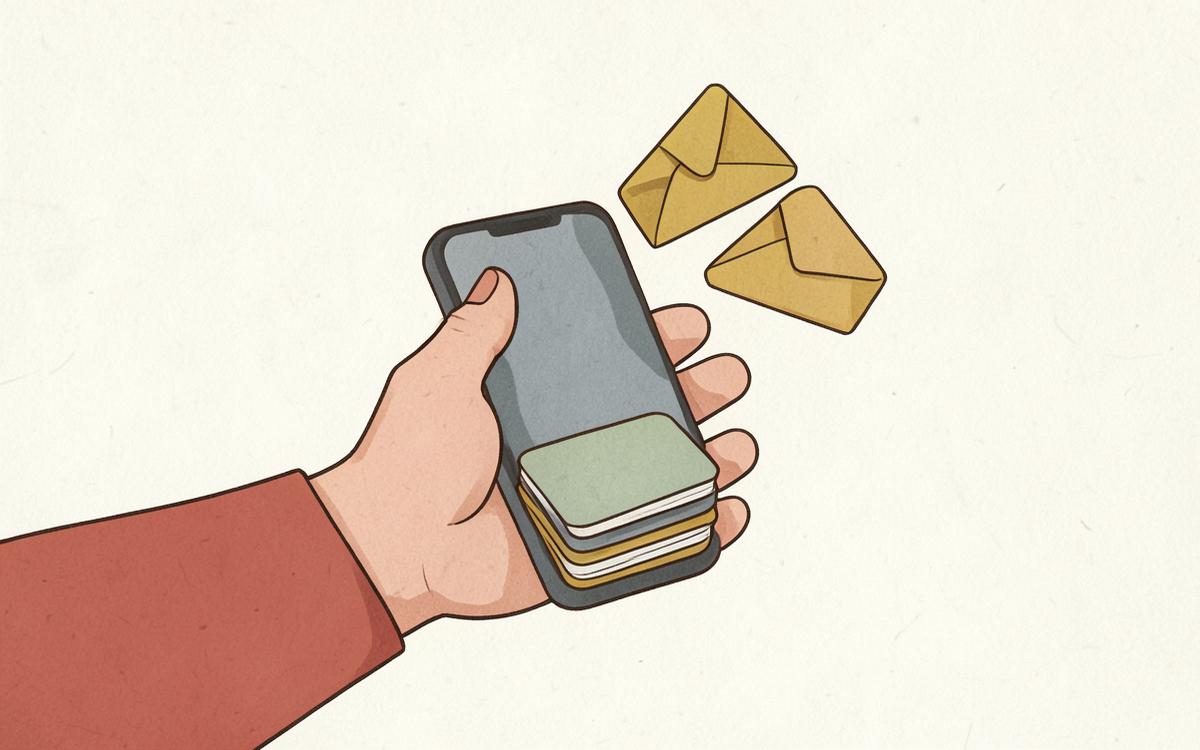
Forward & sort
Forward any school email to your private Tangle Bell address and AI files it under the right kid, teacher, class and due date — no folders, no rules, no typing.
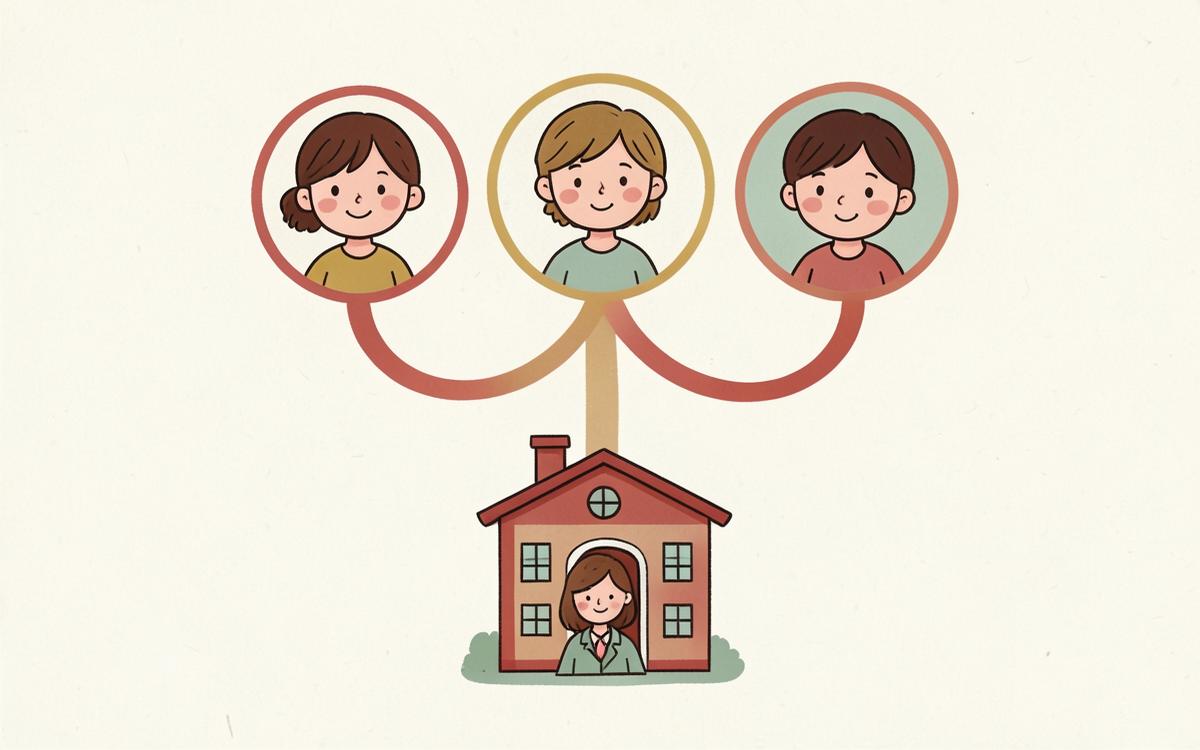
Family roster
Add your kids, their schools, teachers and classes once. Tangle Bell uses that roster as ground truth so school emails are matched to real people instead of guessed at.
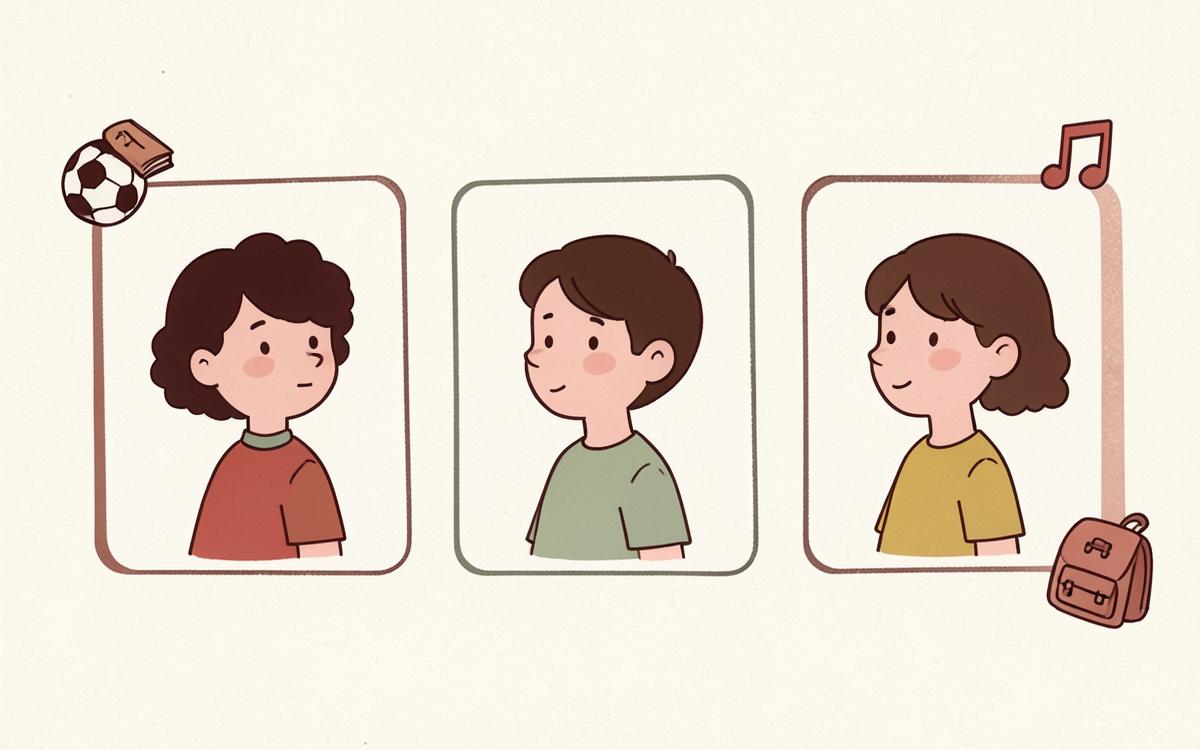
Kid pages
Each child gets their own page: school, teachers, classes, clubs and sports, plus every deadline and action item grouped by subject. Older kids can sign in and see it themselves.
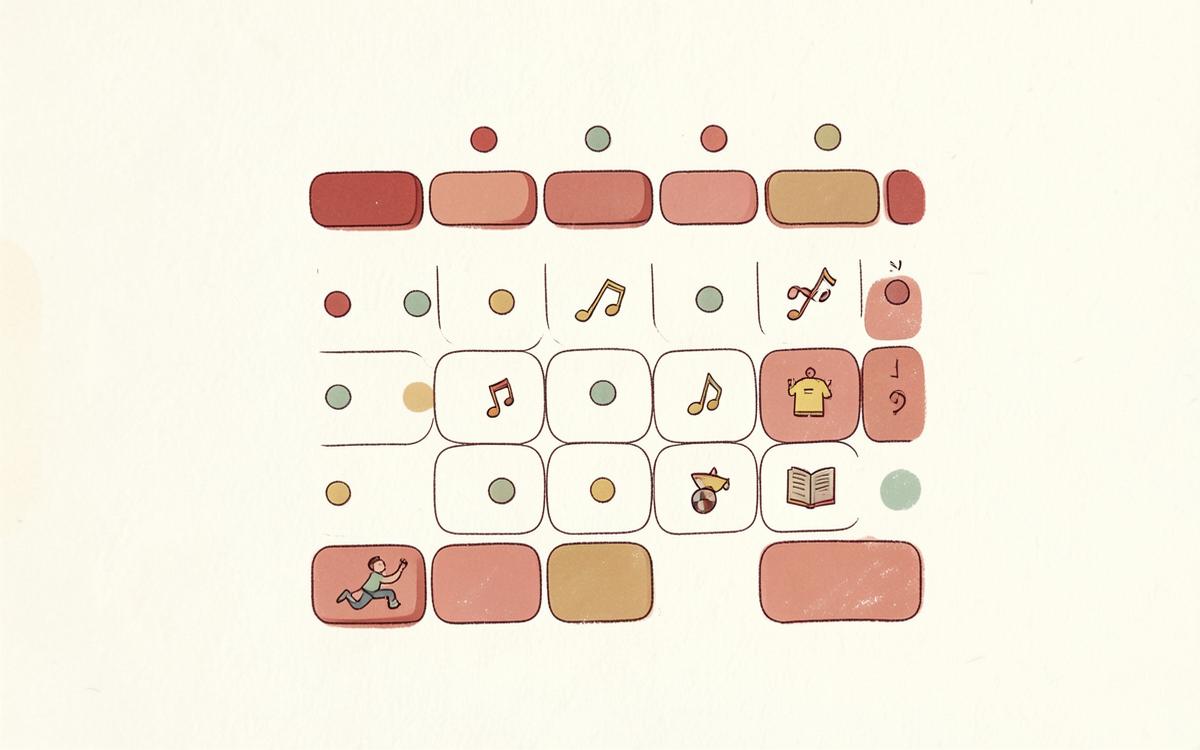
Family calendar
Day, week and month views for the whole family or one kid at a time — built automatically from forwarded school emails, plus anything you add yourself.
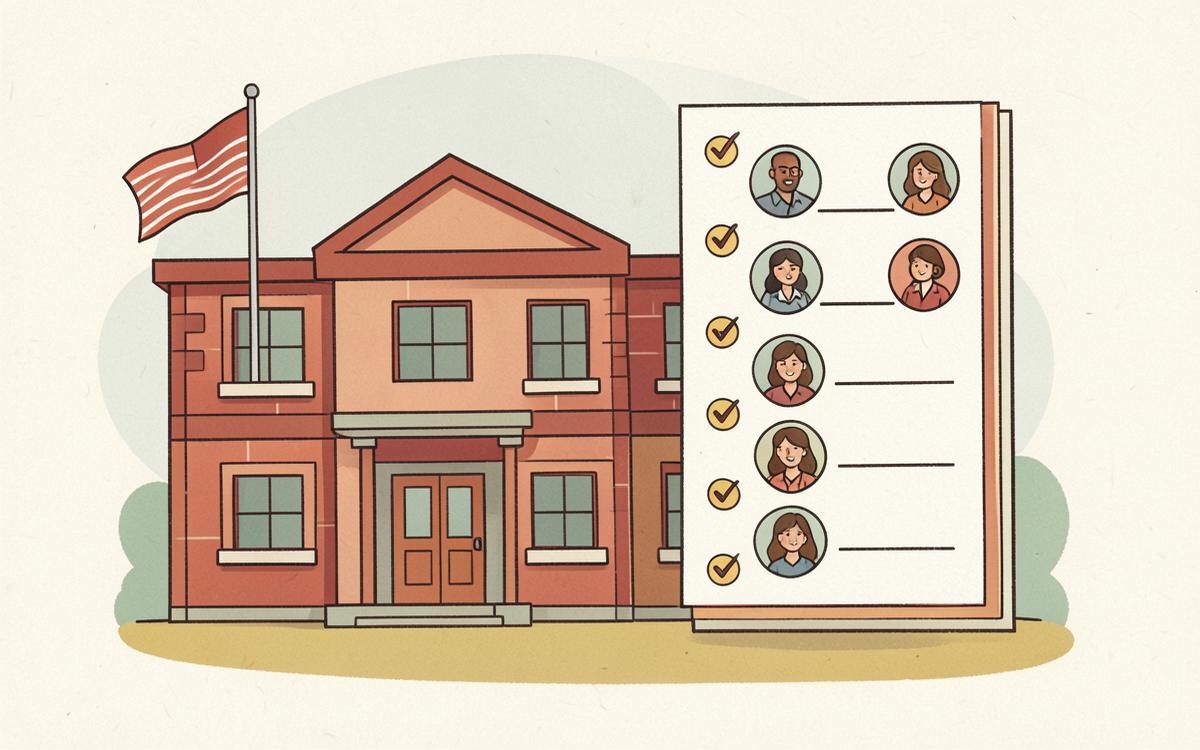
School directory
Paste a school's website and Tangle Bell reads its public staff, class, club, athletics and calendar pages, then hands you a tick-box list to add to your roster. A one-time assisted import you approve — not a live lookup.
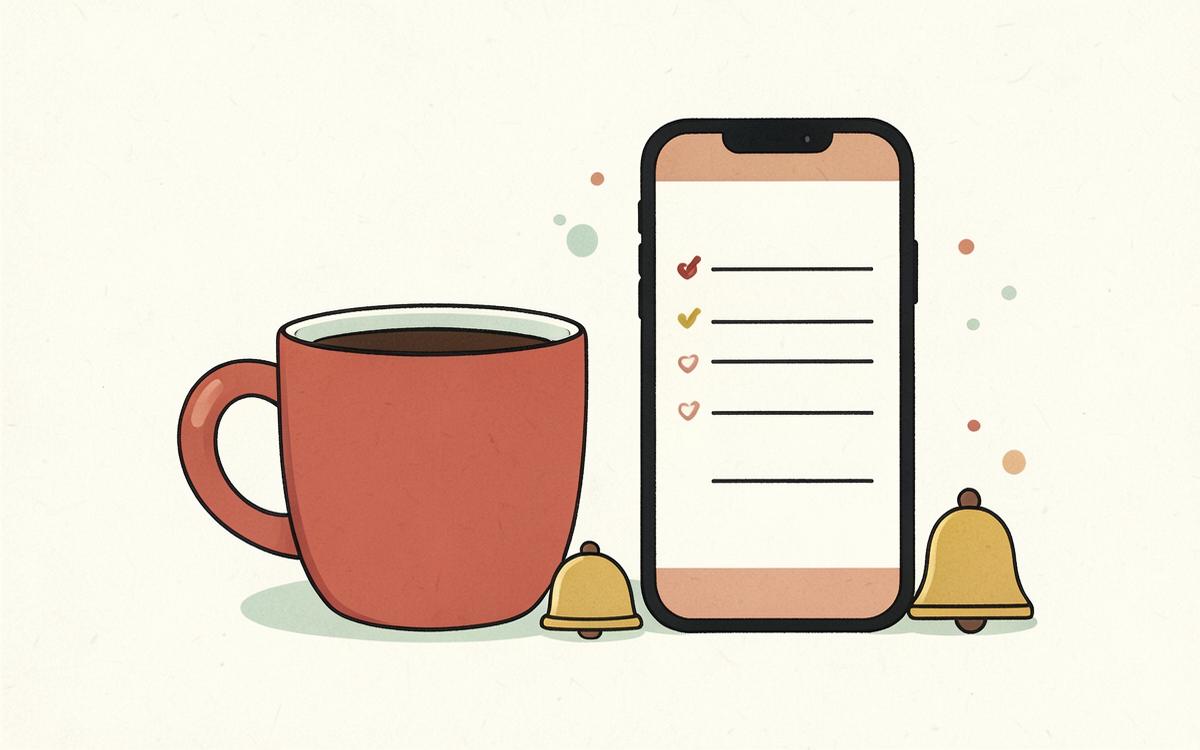
Digests & alerts
Get a daily or weekly digest of what is due, what needs action and what changed — plus an alert when a teacher who normally writes weekly goes quiet.
Quick answers
- How does Tangle Bell actually work?
- You add your kids, schools, teachers and classes once. Then you forward school emails to your private Tangle Bell address. AI reads each email twice — once to pull out the event, date and ask, and once to match it against your real roster — and files it under the right kid, teacher and class. You do not tag, sort or type anything.
- Do I have to forward every email by hand?
- No. Most email apps let you set an auto-forward rule for school domains, so it happens automatically. You can also forward one-offs from your phone; the address is saved as a contact card so it auto-completes.
- What if the AI gets something wrong?
- Low-confidence matches go to a triage list instead of your calendar, and every item shows exactly which roster facts were used or missing. When you correct one, Tangle Bell remembers that sender for good.
- What happens if my partner forwards the same email?
- Tangle Bell fingerprints each message, so duplicate forwards from anyone in your household collapse into one item — no double calendar entries.
Get your evenings back
Set up your kids and schools once, forward one email, and see it land in the right place.
Start free — forward emails once